AI LinkedIn Headshots That Still Look Like You
Your LinkedIn photo does not need to look expensive. It needs to look current, clear and believable at a very small size. That is why an AI LinkedIn headshot can work well: it gives you several tidy, professional options without arranging a studio visit. But it only works when the photo still feels like the person who arrives at the meeting.
We may earn a commission from qualifying purchases through the offer links on this page. That does not change the selection advice.
Short answer: use a clean, chest-up image with friendly eye contact, a plain or softly blurred background and clothes that suit your normal work. Pick the headshot that looks least "generated", not the one with the flashiest backdrop.
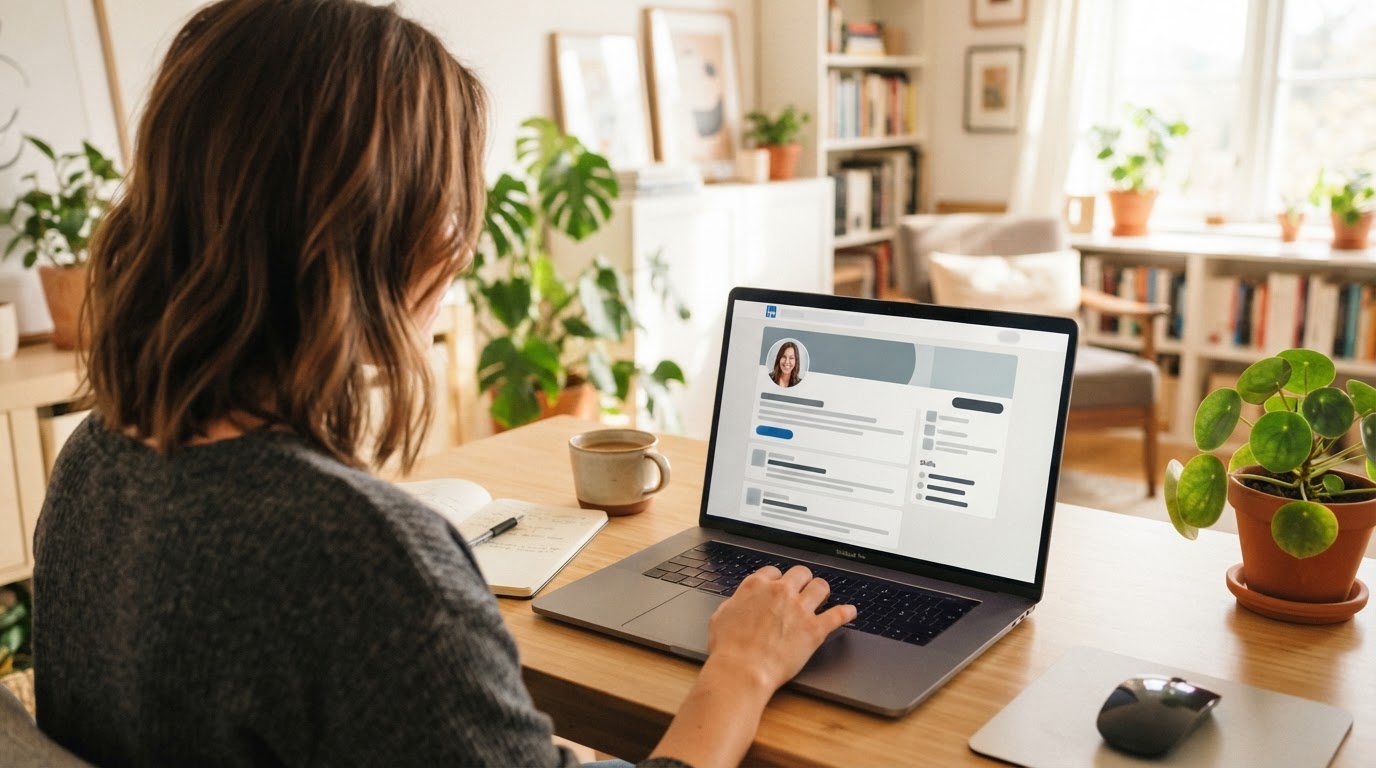
What makes a LinkedIn headshot work
LinkedIn is not an acting portfolio and it is not a passport photo. The best profile pictures sit between those two worlds. You want a person looking present, capable and easy to speak with. A hiring manager, a client or a former colleague should recognise you straight away.
That changes the selection rule. Before choosing a picture, shrink it to the approximate size it will appear in a feed. Ask four plain questions:
| Check | What good looks like | What to avoid |
|---|---|---|
| Recognition | A colleague would know it is you | A different-looking jawline, hairline or eye colour |
| Expression | Calm, open and natural | Huge grin, blank stare or overly serious face |
| Framing | Head and upper chest; eyes are clear | Distant full-body shot or tight forehead crop |
| Context | Simple, work-appropriate | Fake office drama, holiday setting or loud props |
There is a useful rule here: a normal photo that looks like you usually beats a glamorous one that does not. A polished LinkedIn profile earns trust from consistency, not spectacle.
When an AI headshot is a sensible choice
An AI generator is a practical option when your current photo is old, when you need more than one background, or when a photographer is hard to book. It is also helpful for people who do not enjoy a camera session and would rather work from familiar pictures at home.
It is not always the right tool. Use a photographer when your role needs exact wardrobe, a particular location, a campaign shot, a highly regulated company look, or images where a small facial mistake would be costly. Real estate teams, public-facing executives and speakers often need both: a polished AI option for everyday profiles and a photographer for high-stakes press work.
For an individual LinkedIn refresh, though, the trade-off is often fair. Magic Studio currently advertises individual packages from $59, with 50 headshots, five looks and a stated turnaround of 15 minutes. Product details and prices can change, so see our Magic Studio pricing guide before you decide.
Start with better input photos
AI does not rescue a weak set of uploads as neatly as adverts suggest. It learns the clues you give it: your face shape, hairstyle, glasses, skin tone, expression and the way you usually look. Mixed, dim or heavily filtered source photos create mixed results.
For a LinkedIn set, collect 10 or more recent photos where only you are visible. Make the mix useful rather than random:
- Take some in soft window light and some in ordinary indoor light.
- Include straight-on, slight left and slight right angles.
- Keep your current hair, facial hair and glasses consistent across most of the set.
- Use a few upper-body images as well as close face shots.
- Avoid sunglasses, beauty filters, group crops and pictures where another person is partly visible.
The official team guidance says ten-plus diverse photos give the system a better base; its individual flow also asks users to upload a few photos before generation. Our detailed upload photo tips page gives you a simple checklist.
Pick a look that matches the work you want
Your LinkedIn image can be slightly aspirational. It should not become a costume.
| Your work context | A safe visual direction |
|---|---|
| Job search or corporate role | Solid shirt, blazer if you normally wear one, neutral background |
| Consultant or coach | Open expression, smart-casual clothing, warm but simple setting |
| Creative work | A little colour is fine; keep the face and eyes central |
| Sales or client success | Approachable expression and clear eye contact, not a hard sell grin |
| Founder or executive | Clean lines, calmer palette, one consistent image used across profiles |
Avoid choosing clothes merely because the AI makes them look expensive. If a future video call shows a very different person, the profile begins the relationship with friction. It is better to wear a version of what you might realistically wear to a good meeting.
A quick setup routine for LinkedIn
- Generate a varied set rather than choosing a single fixed style.
- Open each candidate at full size. Check eyes, ears, teeth, hands near the face and the edge of glasses.
- Ask one honest colleague which three look most like you. Do not tell them your favourite first.
- Choose one main image and keep a second for testing later.
- Crop it as a square, leaving enough space around your head. LinkedIn's circular display will do the rest.
- Refresh the photo across your personal site, speaker bio and social profiles if they should represent the same professional identity.
Do not change your profile photo every fortnight. A recognisable image becomes part of your personal brand. Make a change when your appearance, role or image quality genuinely changes.
Common AI LinkedIn headshot mistakes
The most common error is choosing the output that looks most impressive on a large screen. It may have dramatic lighting, razor-sharp skin and an unlikely office behind it. In a LinkedIn feed, that can read as artificial. Pick the softer, more human option.
The next issue is inconsistency. One image has glasses, the next has none; one has a beard, another has a different haircut. If you wear a recognisable feature daily, upload pictures that show it clearly. Then choose outputs that retain it.
Finally, do not use an AI headshot to imply a qualification, uniform, location or employer connection that is untrue. The image is a presentation tool, not evidence. Keep your headline, experience and photo aligned with real life.
Is an AI headshot acceptable on LinkedIn?
Yes, provided it accurately represents you and is used as a professional profile photo rather than a deceptive identity image. LinkedIn users rarely need to know the production method; they do need a picture that is recognisably you. If the result looks unfamiliar in person, leave it out.
For a CV, norms vary by country and industry. In the US and Canada, a photo is normally better left off a résumé, while LinkedIn is the more natural place for it. Think carefully before using the same image everywhere.
Why Magic Studio is worth considering for LinkedIn
Magic Studio is geared towards turning everyday images into a set of business-ready portraits. Its current individual offer gives a clear starting point: from $59 for 50 images in five looks, with a stated 15-minute delivery time. That variety helps when you want one restrained LinkedIn photo, a friendlier bio image and perhaps a different shot for a speaker page.
Do not treat the number of outputs as a guarantee that all will work. The value is in finding two or three believable images you would happily send to a client. Compare the trade-offs in our Magic Studio review and AI headshot generator alternatives.
FAQs
How many photos do I need for an AI LinkedIn headshot?
Ten or more recent, varied photos is a sensible target. Use pictures that show your current appearance in clear light, from a few angles, with no one else in the frame.
Should I smile in my LinkedIn photo?
A small, natural smile is usually a safe choice. Aim for the expression you would have while greeting a new colleague, not a forced studio grin.
Can I wear glasses in an AI headshot?
Yes. If you normally wear glasses, include several clear input photos wearing them and select an output where the frames and eyes look natural.
Does the AFFINCO10 coupon work on LinkedIn headshots?
It is a 10% affiliate code for eligible individual Magic Studio plans. Enter it at checkout and rely on the price shown there; plan eligibility can change.
Sources and editorial note
Product workflow and current individual package details were checked against Magic Studio's official homepage on 20 July 2026. We may earn a commission from qualifying purchases through the offer links. That does not change the selection advice above.
Related guides
Upload Photo Tips for Better AI Results
The checklist that decides how believable your headshots look.
Magic Studio Pricing Plans and AFFINCO10 Discount
What the packages cost and how the coupon maths works.
Magic Studio Review for Professional AI Headshots
Strengths, realistic expectations and who the tool suits best.
Give your LinkedIn profile a believable refresh
Collect ten good photos, generate your set and pick the image that still looks like you.
Get 10% Off Magic StudioAffiliate link. We may earn a commission at no extra cost to you.